100JSProjects
ProjectsExplore all projects
100JS_WORKSPACE/Build · Learn · Repeat
100JSProjects

Practical HTML, CSS, and JavaScript projects designed to help you turn concepts into real skills—one build at a time.

01Explore

./All projects./About./Contact./Privacy

02Resources

./GitHub repository./Support the project

© 2026 100 JS Projects. Built for developers.

TermsCookiesContact
JS100 JS Projects · Learn by building

Build Real JavaScript Projects

Learn web development one project at a time with practical, beginner-friendly builds made with HTML, CSS, and vanilla JavaScript.

</>Explore All ProjectsStart a Beginner Project
  • Beginner friendly
  • Source code included
  • Free access
project-studio
HTMLCSSJavaScript
1
2
3
4
5
6
7
const project = {
title: 'Tip Calculator',
skills: ['DOM', 'Events'],
level: 'Beginner',
sourceIncluded: true
};
build(project);
Project ready to buildnpm run learn
JS
Learn by doing
Real projects. Real skills.
</>
Practical projects
Learn through building
{ }
Source code included
HTML, CSS and JavaScript
FREE
Open access
Learn at your own pace
JS// Featured Projects

Choose a Project. Start Building.

Explore practical projects designed to turn JavaScript concepts into skills you can use with confidence.

Explore the full library
Tip Calculator project preview
HTMLCSSJavaScript
#01

Tip Calculator

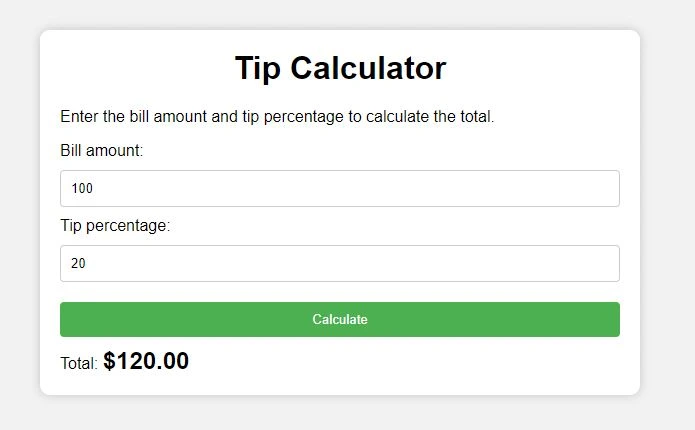
In this project, our aim is to build a modern tip calculator. The project's primary interface comprises a container labeled "Tip Calculator" with two input fields: one for the bill amount and the other for the tip percentage. The tip calculator has a modern design that is styled using CSS. We utilized JavaScript to obtain the values of the two input fields and calculate the total amount based on these values.

View project
Temperature Converter project preview
HTMLCSSJavaScript
#02

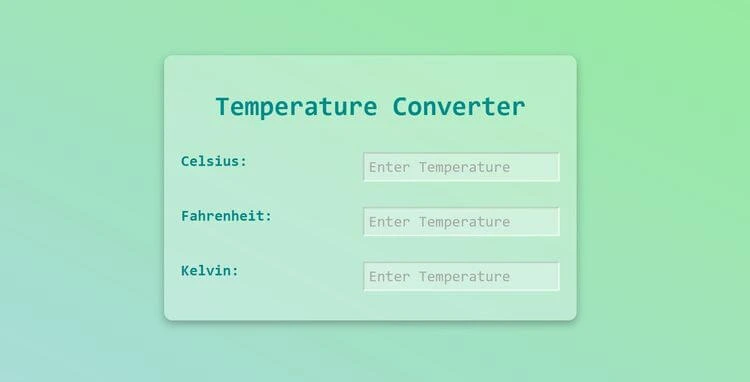
Temperature Converter

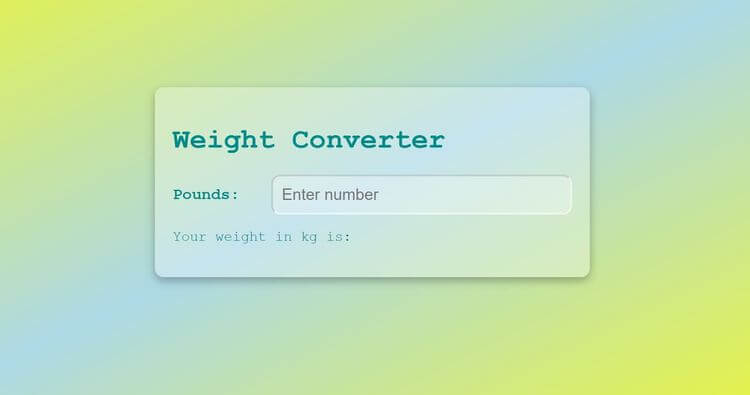
This project aims to create a temperature converter for beginners. The final version of the project includes three inputs for Celsius, Fahrenheit, and Kelvin temperature formats. When you change any of these inputs, for example, if you choose 100 degrees Celsius, you will see the equivalent Celsius value in Fahrenheit and Kelvin formats. Additionally, if you change one input, you will see a real-time change inside the other inputs. For instance, changing the Fahrenheit input to 100 degrees will show you that it is equal to 37 degrees Celsius and 311 Kelvin. To create this project, we will learn how to use an "onchange" event listener to track changes inside the inputs. We will also use the switch statement to track changes based on the name of the input we are working on. Additionally, we will use CSS to give the project a modern look, inspired by newMorphISM design. In summary, this project will help us learn how to create a temperature converter using JavaScript and CSS, and we will learn how to track changes using event listeners and switch statements.

View project
Testimonial Slider project preview
HTMLCSSJavaScript
#03

Testimonial Slider

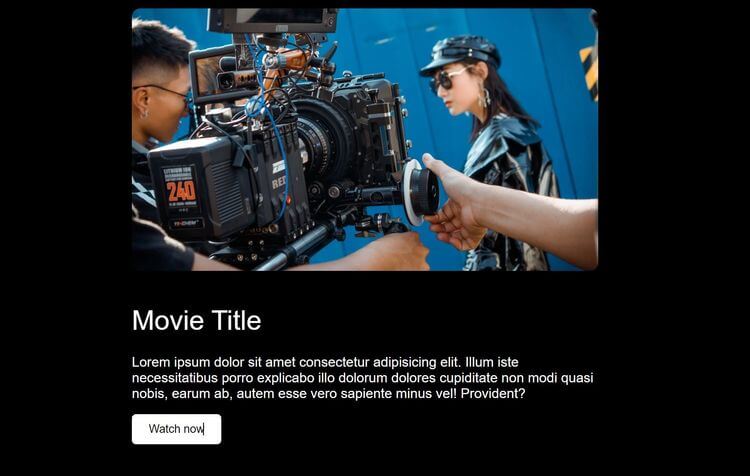
In this project, you will learn how to build a testimonial slider using HTML, CSS and JavaScript. We use a timer to change the sliders automatically and also we have added a bountiful animation showing the slides.

View project
Age Calculator project preview
HTMLCSSJavaScript
#04

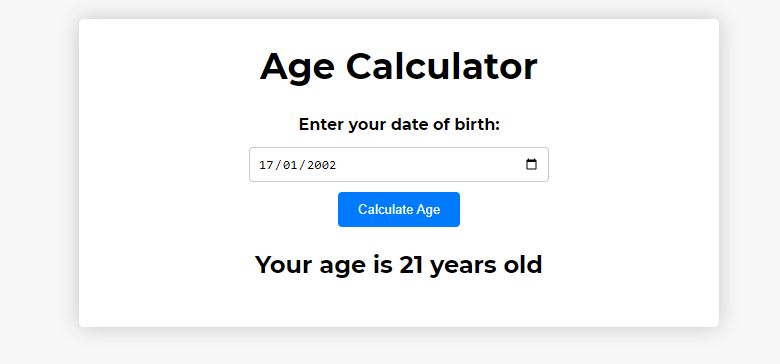
Age Calculator

In this project, we are going to create an age calculator. As you can see from the final version of the project, we have a container here with the title age calculator with an input of a date. If we click on the date input, we can choose the date of our birthday. For example, if we choose a date in in 2022 and if we click now on Calculate Age, you can see the age is calculated based on this date and saying your age is 21 years old.

View project
Recipe Book App project preview
HTMLCSSJavaScript
#05

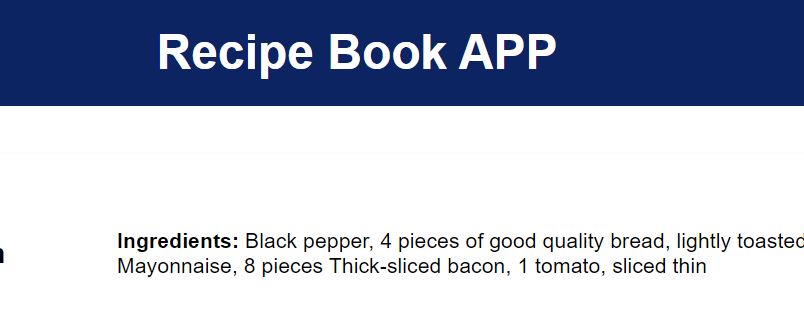
Recipe Book App

In this project, we're developing a recipe book application that features a variety of recipes obtained through a free recipe API. We need an API key to access this API. Each time the page is refreshed, a new set of recipes with distinct ingredients will be displayed. Additionally, a link is provided to access the recipe website.

View project
Dice Roll Simulator project preview
HTMLCSSJavaScript
#06

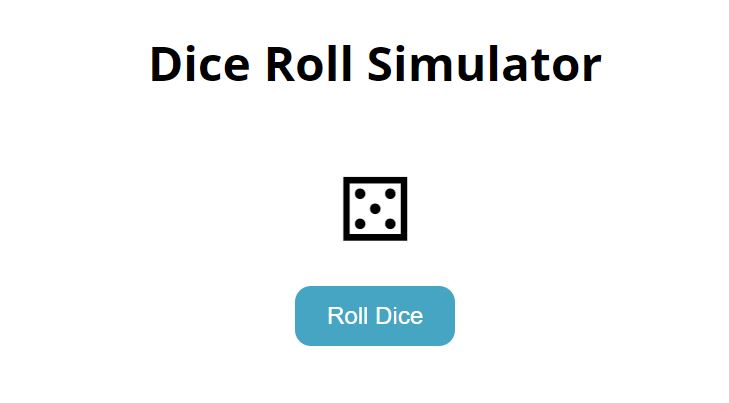
Dice Roll Simulator

Welcome to the Dice Roll Simulator project. The final version of the project features a dice at the center of the screen and a "Roll dice" button. The button triggers an animation and generates a random number, which is displayed in the center of the dice when clicked, t. Additionally, the number is added to a history list. To achieve this, we used modern CSS to style the dice and added a JavaScript event listener to the button. The listener generates a random number, saves it to an array, and updates the history list.

View project
Pomodoro Timer project preview
HTMLCSSJavaScript
#07

Pomodoro Timer

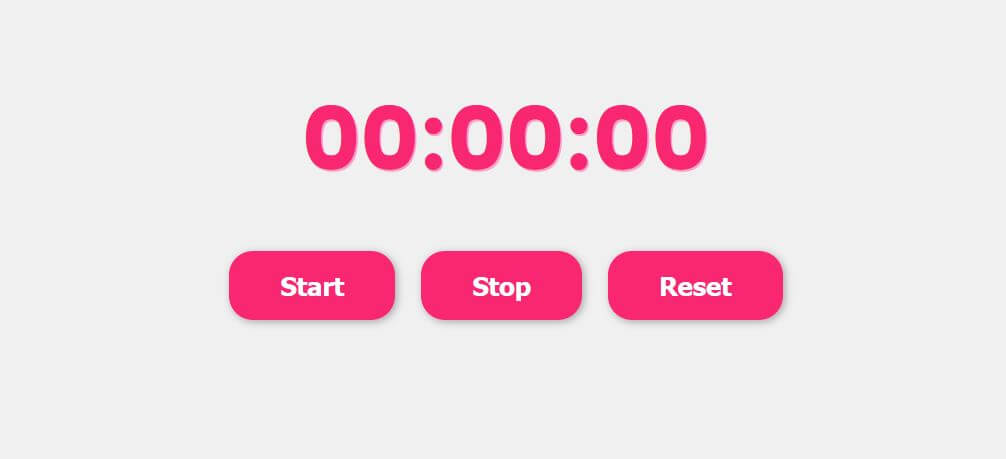
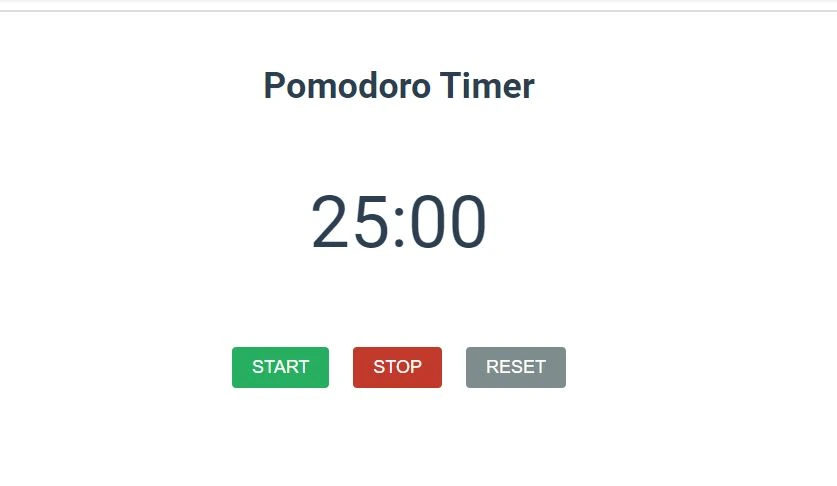
The objective of this project is to design a Pomodoro timer that features a countdown clock and three functional buttons, namely start, stop, and reset. Upon clicking the start button, the timer will commence counting down from 25 minutes. Should one desire to halt the countdown, the stop button can be pressed. The countdown can be resumed by hitting the start button, and by clicking on the reset button, the timer will reset to 25 mins again. An alert will notify the user when the timer reaches zero. This Pomodoro timer is an ideal tool for individuals seeking to focus on a task for a set amount of time, followed by a break. By implementing this technique, productivity and time management skills can be improved. To create this timer, one must initially grasp the principles of CSS for styling purposes. Next, event listeners will be added to the buttons using JavaScript. Finally, a timer will be established using the SetInterval function in JavaScript.

View project
Rock Paper Scissors Game project preview
HTMLCSSJavaScript
#08

Rock Paper Scissors Game

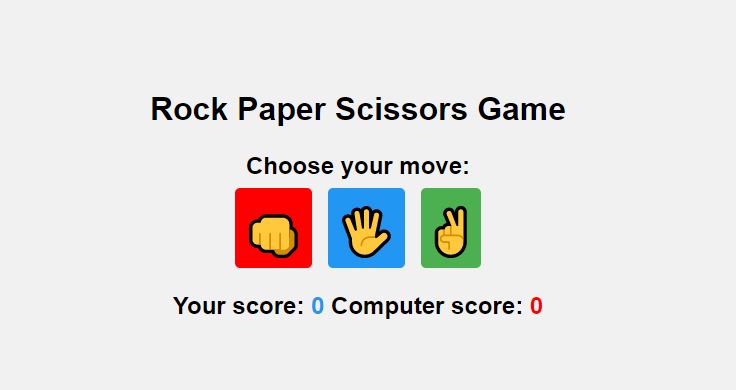
In this project, we create a rock, paper, and scissors game. The computer will also choose a random option, and the results will be displayed. You can win, lose, or tie. Scores are tracked at the bottom. We'll use HTML for structure, CSS for a modern look, and JavaScript to generate the computer's choice and compare the results. This game is an interactive way to test your luck and strategy against a computer opponent.

View project
NEXT_BUILD.js
Ready
Project Launcher

Pick a project.Build something today.

Open the complete library and choose the project that matches your next learning goal.

{ }Explore All Projects
HTMLCSSJavaScriptSource included · Free access