 Best match
Related: setTimeoutBeginner
Auto Text Effect Animation
Build a timed text animation that updates one character at a time.
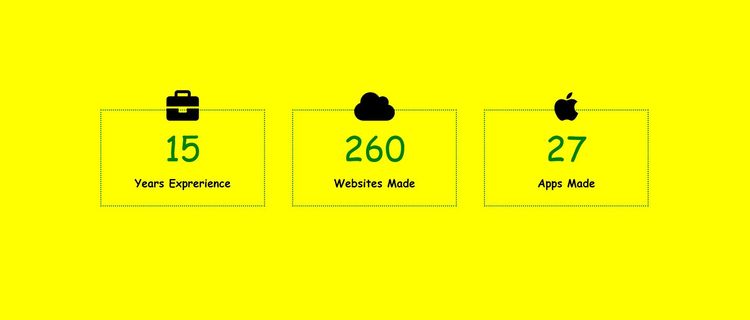
Build the text effect →Build a profile statistics with HTML, CSS, and JavaScript while practicing setTimeout and DOM selection.
Build a profile statistics using HTML, CSS, and JavaScript, then connect the interface to the logic that makes it work. You’ll learn how to connect user interactions to visible changes on the page while getting hands-on practice with setTimeout, DOM selection, and DOM content updates.
Recommended knowledge: Basic HTML and CSS, JavaScript functions and callbacks, Browser timers, JavaScript arrays and array methods.
This project uses timed JavaScript updates.
index.html<!DOCTYPE html>
<html lang="en">
<head>
<meta charset="UTF-8" />
<meta http-equiv="X-UA-Compatible" content="IE=edge" />
<meta name="viewport" content="width=device-width, initial-scale=1.0" />
<title>Profile Statistics</title>
<link
rel="stylesheet"
href="https://cdnjs.cloudflare.com/ajax/libs/font-awesome/6.0.0-beta2/css/all.min.css"
integrity="sha512-YWzhKL2whUzgiheMoBFwW8CKV4qpHQAEuvilg9FAn5VJUDwKZZxkJNuGM4XkWuk94WCrrwslk8yWNGmY1EduTA=="
crossorigin="anonymous"
referrerpolicy="no-referrer"
/>
<link rel="stylesheet" href="style.css" />
</head>
<body>
<div class="stats-container">
<i class="fas fa-briefcase fa-3x icon"></i>
<div class="counter" data-ceil="15">15</div>
<h4>Years Exprerience</h4>
</div>
<div class="stats-container">
<i class="fas fa-cloud fa-3x icon"></i>
<div class="counter" data-ceil="260">260</div>
<h4>Websites Made</h4>
</div>
<div class="stats-container">
<i class="fab fa-apple fa-3x icon"></i>
<div class="counter" data-ceil="27">27</div>
<h4>Apps Made</h4>
</div>
<script src="index.js"></script>
</body>
</html>
Practice setTimeout, javaScript calculations, and conditional logic with these related projects.
Best matchBuild a timed text animation that updates one character at a time.
Build the text effect →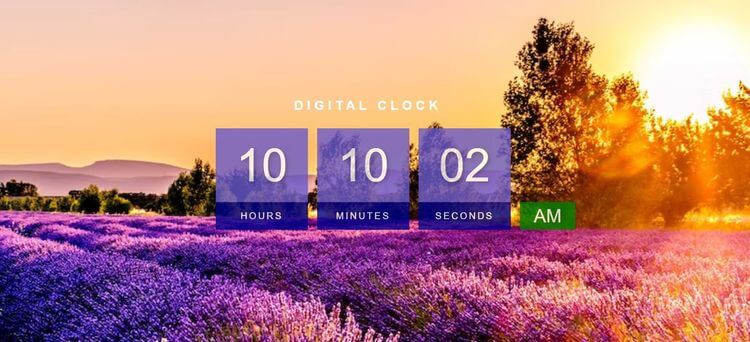
Calculate the current time and keep the display updated.
Build a digital clock →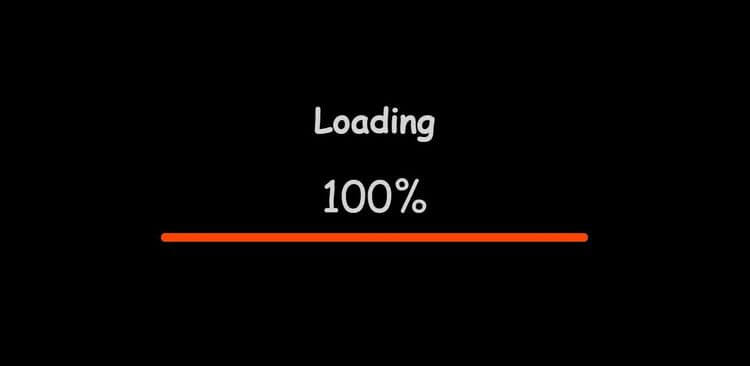
Control a loading animation with timed conditional updates.
Build a loading bar →Build a timed text animation that updates one character at a time.
Build the text effectCalculate the current time and keep the display updated.
Build a digital clockControl a loading animation with timed conditional updates.
Build a loading bar