 Best match
Related: JavaScript calculations
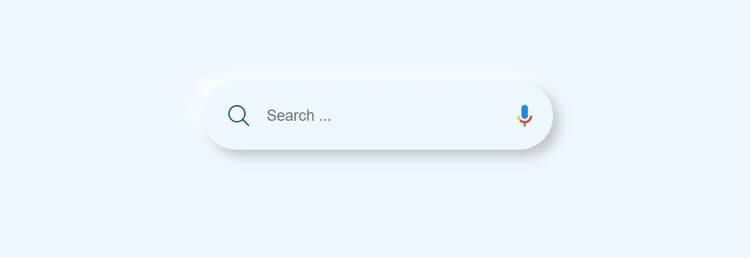
Animated Search Bar
Turn JavaScript calculations into clear visual results.
Build an animated search bar →Build a sidebar menu with HTML, CSS, and JavaScript while practicing click events and DOM selection.
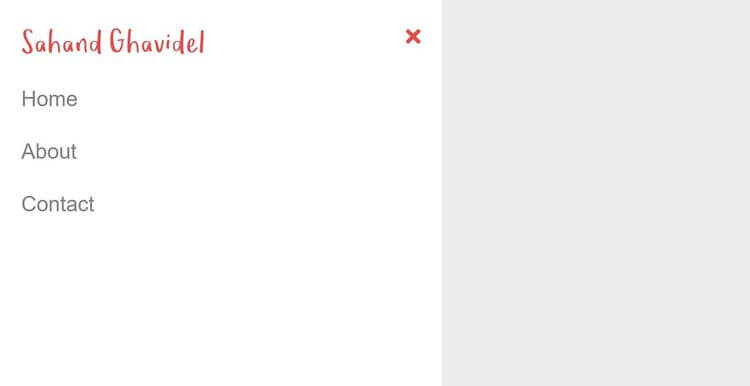
Build a sidebar menu using HTML, CSS, and JavaScript, then connect the interface to the logic that makes it work. You’ll learn how to connect user interactions to visible changes on the page while getting hands-on practice with click events, DOM selection, and CSS class toggling.
Recommended knowledge: Basic HTML and CSS, JavaScript variables and number operations, DOM selection and click events, CSS classes and DOM selection.
This project runs directly in the browser with HTML, CSS, and JavaScript.
index.html<!DOCTYPE html>
<html lang="en">
<head>
<meta charset="UTF-8">
<meta http-equiv="X-UA-Compatible" content="IE=edge">
<meta name="viewport" content="width=device-width, initial-scale=1.0">
<title>Sahand Ghavidel</title>
<link rel="stylesheet" href="https://cdnjs.cloudflare.com/ajax/libs/font-awesome/5.15.3/css/all.min.css" integrity="sha512-iBBXm8fW90+nuLcSKlbmrPcLa0OT92xO1BIsZ+ywDWZCvqsWgccV3gFoRBv0z+8dLJgyAHIhR35VZc2oM/gI1w==" crossorigin="anonymous" />
<link rel="stylesheet" href="styles.css">
</head>
<body>
<i class="fa fa-bars" aria-hidden="true"></i>
<div class="sidebar">
<div class="sidebar-header">
<img class="logo" src="logo.svg" alt="logo">
<i class="fa fa-times" aria-hidden="true"></i>
</div>
<ul class="menu">
<li><a href="#">Home</a></li>
<li><a href="#">About</a></li>
<li><a href="#">Contact</a></li>
</ul>
</div>
<script src="index.js"></script>
</body>
</html>
Practice javaScript calculations, click events, and cSS Class Toggling with these related projects.
Best matchTurn JavaScript calculations into clear visual results.
Build an animated search bar →
Connect user clicks to visible interface changes.
Build a background video →
Change interface states by adding and removing CSS classes.
Build a blurred background popup →Turn JavaScript calculations into clear visual results.
Build an animated search barConnect user clicks to visible interface changes.
Build a background videoChange interface states by adding and removing CSS classes.
Build a blurred background popup