 Best match
Related: Local StorageIntermediate
Note Taking App
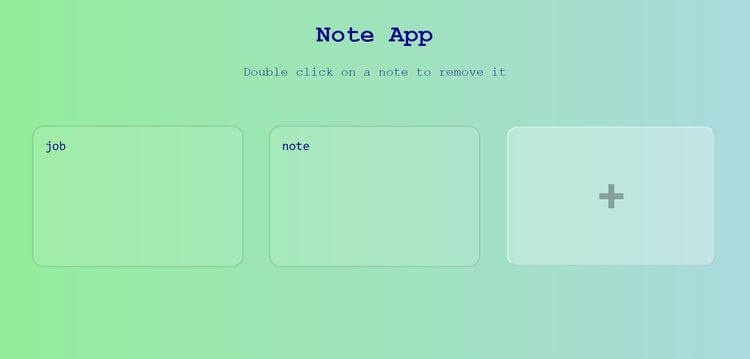
Create editable notes and keep them saved in the browser.
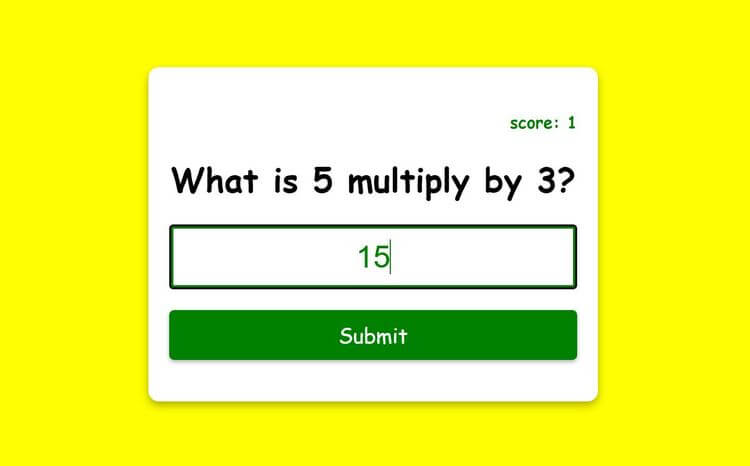
Build a note taking app →Build a multiplication app with HTML, CSS, and JavaScript while practicing local storage and DOM selection.
In this project, we’re going to build a multiplication app using HTML, CSS, and JavaScript. You’ll see how to connect the interface to practical JavaScript behavior. Along the way, you’ll practice local storage, DOM selection, and DOM content updates, so you can understand how the interface and JavaScript logic work together.
Recommended knowledge: Basic HTML and CSS, JavaScript objects and arrays, JSON basics, Functions and Math.random.
This project saves its data between browser sessions.
index.html<!DOCTYPE html>
<html lang="en">
<head>
<meta charset="UTF-8" />
<meta http-equiv="X-UA-Compatible" content="IE=edge" />
<meta name="viewport" content="width=device-width, initial-scale=1.0" />
<title>Multiplication App</title>
<link rel="stylesheet" href="style.css" />
</head>
<body>
<form class="form" id="form">
<h4 class="score" id="score">score: 0</h4>
<h1 id="question">What is 1 multiply by 1?</h1>
<input
type="text"
class="input"
id="input"
placeholder="Enter your answer"
autofocus
autocomplete="off"
/>
<button type="submit" class="btn">Submit</button>
</form>
<script src="index.js"></script>
</body>
</html>
Practice local Storage, random values, and javaScript calculations with these related projects.
Best matchCreate editable notes and keep them saved in the browser.
Build a note taking app →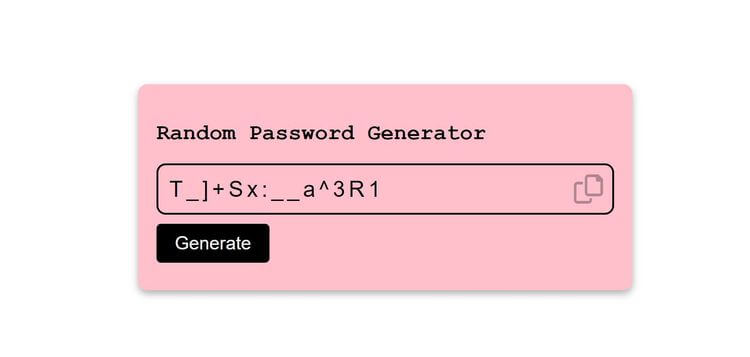
Generate changing values and display a new result each time.
Build a random password generator →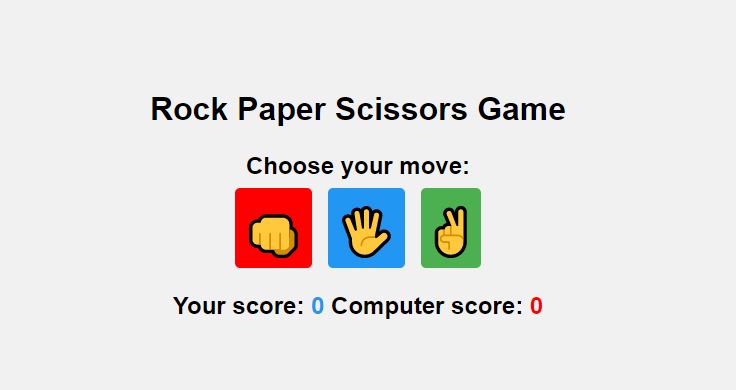
Turn JavaScript calculations into clear visual results.
Build the game →Create editable notes and keep them saved in the browser.
Build a note taking appGenerate changing values and display a new result each time.
Build a random password generatorTurn JavaScript calculations into clear visual results.
Build the game