 Best match
Related: API requestsIntermediate
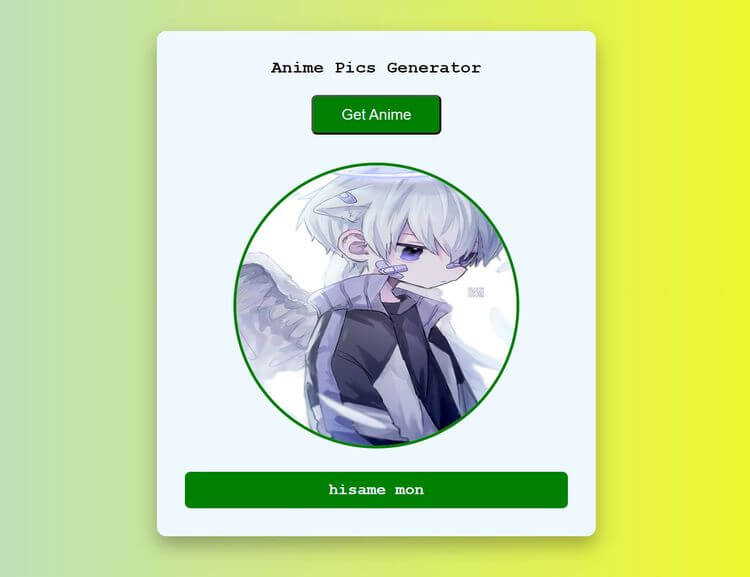
Amine Pics Generator
Request live data and turn the response into useful page content.
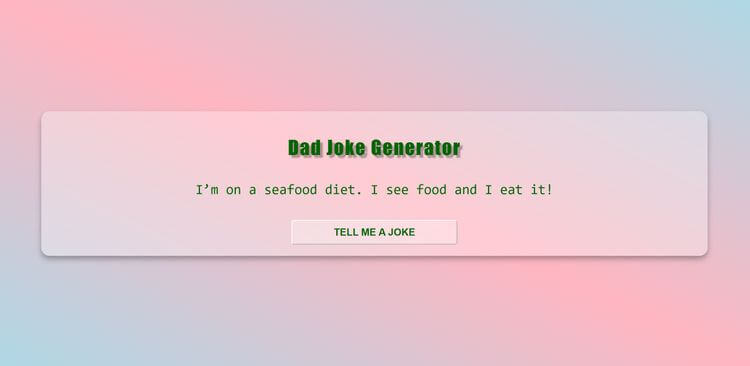
Build an amine pics generator →Build a dad jokes generator with HTML, CSS, and JavaScript while practicing API requests and async and await.
Build a dad jokes generator using HTML, CSS, and JavaScript, then connect the interface to the logic that makes it work. You’ll learn how to generate a fresh result and update the interface instantly while getting hands-on practice with API requests, async and await, and click events.
Recommended knowledge: Basic HTML and CSS, JavaScript functions and arrays, Promises and the Fetch API, JavaScript variables and number operations.
This project connects the interface to live API results.
index.html<!DOCTYPE html>
<html lang="en">
<head>
<meta charset="UTF-8">
<meta http-equiv="X-UA-Compatible" content="IE=edge">
<meta name="viewport" content="width=device-width, initial-scale=1.0">
<title>Dad Jokes Generator</title>
<link rel="stylesheet" href="style.css">
</head>
<body>
<div class="container">
<h1 class="heading">Dad Joke Generator</h1>
<p class="joke" id="joke">Dad Joke</p>
<button class="btn" id="btn">Tell me a joke</button>
</div>
<script src="index.js"></script>
</body>
</html>
Practice API requests, async/await, and javaScript calculations with these related projects.
Best matchRequest live data and turn the response into useful page content.
Build an amine pics generator →
Request and render a randomly selected emoji.
Build a random emoji →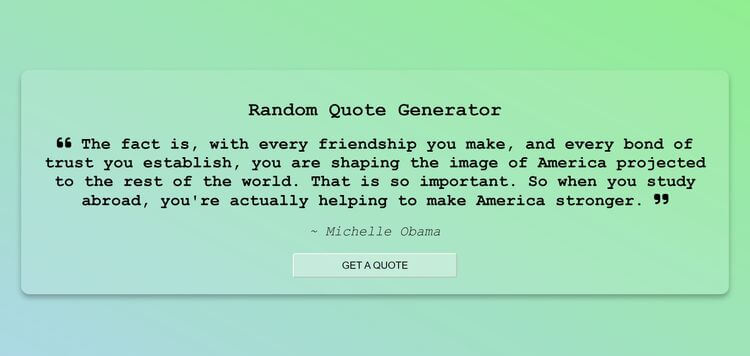
Turn JavaScript calculations into clear visual results.
Build a random quote generator →Request live data and turn the response into useful page content.
Build an amine pics generatorRequest and render a randomly selected emoji.
Build a random emojiTurn JavaScript calculations into clear visual results.
Build a random quote generator