 Best match
Related: setIntervalBeginner
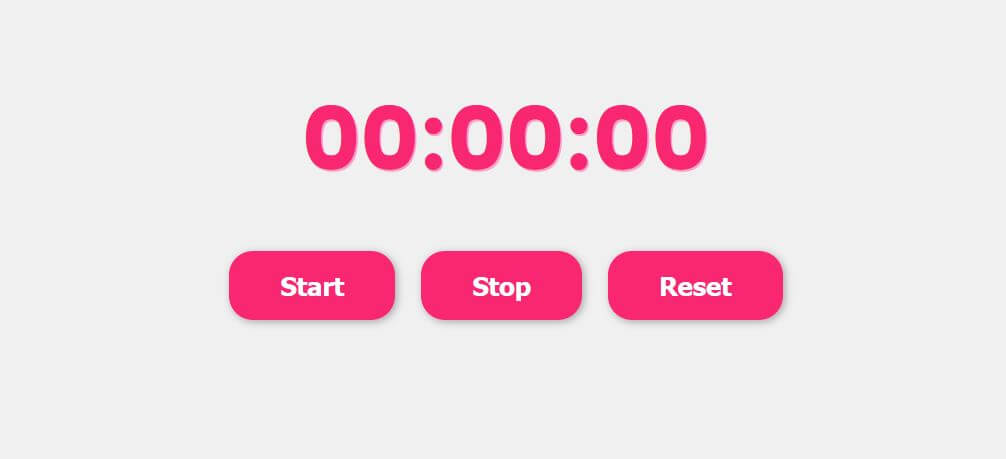
Simple Stopwatch
Create repeating updates that keep the interface moving.
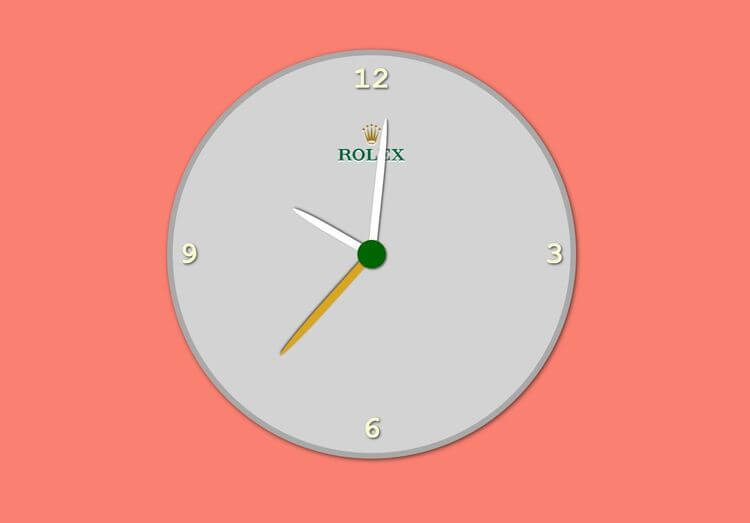
Build a simple stopwatch →Build an analogue clock with HTML, CSS, and JavaScript while practicing setInterval and DOM selection.
This project shows you how HTML, CSS, and JavaScript work together in an analogue clock. You’ll calculate the current time and keep the interface updated, then practice setInterval, DOM selection, and dates and time as you build the complete project from scratch.
Recommended knowledge: Basic HTML and CSS, The JavaScript Date object, JavaScript functions and callbacks, Browser timers.
This project uses timed JavaScript updates.
index.html<!DOCTYPE html>
<html lang="en">
<head>
<meta charset="UTF-8" />
<meta http-equiv="X-UA-Compatible" content="IE=edge" />
<meta name="viewport" content="width=device-width, initial-scale=1.0" />
<link rel="stylesheet" href="style.css" />
<title>Clock</title>
</head>
<body>
<div class="clock">
<div class="numbers">
<div class="twelve">12</div>
<div class="three">3</div>
<div class="six">6</div>
<div class="nine">9</div>
</div>
<div class="arrows">
<div class="hour"></div>
<div class="minute"></div>
<div class="second"></div>
</div>
<img
src="https://upload.wikimedia.org/wikipedia/en/thumb/9/95/Rolex_logo.svg/1200px-Rolex_logo.svg.png"
alt=""
/>
</div>
<script src="index.js"></script>
</body>
</html>
Practice setInterval, javaScript calculations, and dates and time with these related projects.
Best matchCreate repeating updates that keep the interface moving.
Build a simple stopwatch →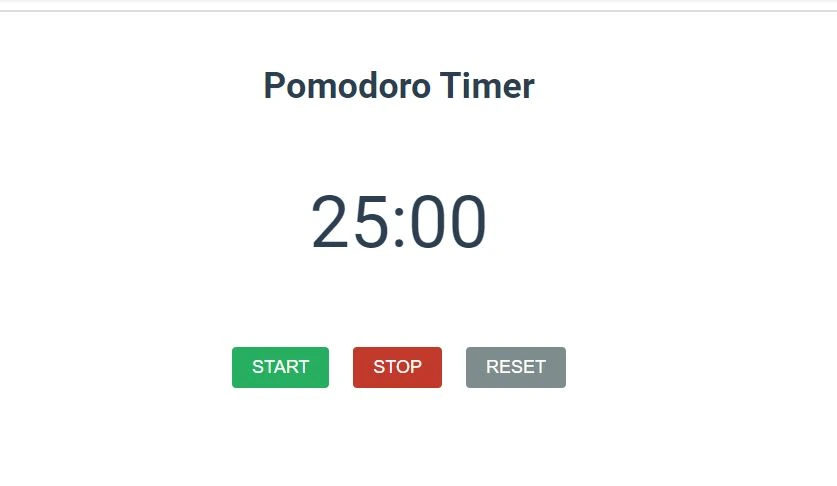
Turn JavaScript calculations into clear visual results.
Build a pomodoro timer →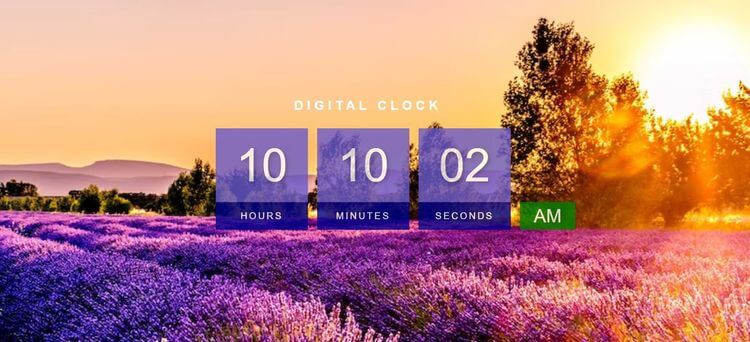
Calculate the current time and keep the display updated.
Build a digital clock →Create repeating updates that keep the interface moving.
Build a simple stopwatchTurn JavaScript calculations into clear visual results.
Build a pomodoro timerCalculate the current time and keep the display updated.
Build a digital clock